Is TripIt Pro worth it?
Yes, for a specific kind of flyer. For everyone else, the free plan is the whole product.
TripIt Pro costs $49 a year after a 30-day free trial. It is worth it if you fly often enough that a delay, a gate change, or a better seat matters to you more than a few times a year, and especially if you connect or fly airlines whose apps are quiet. If you mostly want your bookings in one place, the free plan already does that, and it always has.
That is the whole answer. The rest of this page shows the work: what you get without paying, what the $49 buys, and who it is for.
What TripIt Pro costs
TripIt Pro is $49 a year. The 30-day trial is free, and tripit.com shows no monthly plan. Promotion codes show up a few times a year, and there is usually a Black Friday discount, but the plan is still billed yearly.
Prices checked on October 16, 2026, on tripit.com.
What the free TripIt plan already does
The part of TripIt most people want is free. Forward a confirmation email to plans@tripit.com and the flight, hotel, car, or restaurant lands in the right trip. Turn on Inbox Sync and TripIt reads new confirmations from a connected Gmail, Google Workspace, Microsoft 365, Outlook.com, or Yahoo address without any forwarding. You can share plans with other people by text, email, or the app, sync your trips to your calendar, and read your itinerary offline as long as the app stays signed in.
If you have been paying for Pro to get "the itinerary", you can stop. The itinerary is the free plan.
What TripIt Pro adds
TripIt lists sixteen Pro features. Here they are by when they matter, with the names as tripit.com gives them.
On the day you fly: Flight Status, Alternate Flights, Terminal and Gate Reminder, Connecting Flights, Baggage Claim Info, Go Now, and Check-in Reminder.
Before you fly: Seat Tracker, Fare Tracker, Risk Alerts, International Travel Tools, and Passport Renewal Reminder.
The rest: Point Tracker, Documents, Inner Circle, and Interactive Maps.
Four of those carry the subscription. Flight Status tells you about a delay or cancellation, often before the airline does. Alternate Flights lists other flights you could take when yours falls apart, so you are rebooking from the gate instead of the queue. Seat Tracker watches for the seat you wanted and tells you when it opens up. Fare Tracker watches the price of a flight you already bought and tells you when it drops enough to claim a credit.
The Documents feature is the one quiet upgrade: free accounts attach up to 3 documents per trip, Pro accounts up to 25, in PDF, JPEG, PNG, or GIF.
| Free | Pro | |
|---|---|---|
| Itinerary from forwarded emails | Yes | Yes |
| Inbox Sync | Yes | Yes |
| Sharing and calendar sync | Yes | Yes |
| Flight Status and Alternate Flights | No | Yes |
| Terminal and Gate Reminder, Connecting Flights, Baggage Claim Info, Go Now | No | Yes |
| Seat Tracker and Fare Tracker | No | Yes |
| Check-in Reminder, Risk Alerts, International Travel Tools | No | Yes |
| Point Tracker, Inner Circle, Interactive Maps | No | Yes |
| Documents per trip | 3 | 25 |
| Price | $0 | $49 a year |
Who should pay for TripIt Pro
Pay for it if you take ten or more flights a year, you connect, you fly several airlines, or you fly carriers whose apps do not push alerts. Pay for it if you change seats when a better one opens, or if you would actually file for a fare credit when a price drops. Pay for it if you want one app that watches every flight you take, whoever operates it.
Skip it if you take a few trips a year, your trips are mostly hotels and trains, you fly one airline whose app already alerts you, or you only wanted the itinerary. The free plan is the whole product for you.
The strongest case against Pro comes from the frequent-flyer forums: the airline's own app now pushes delay and gate changes for the flight you are on, at no cost. American lists day-of-travel delays, cancellations, and gate changes among its free alerts, and the other large carriers do the same. That is true, and it covers one airline at a time. Pro covers every airline in one place, and the seat and fare watching is something no airline app will ever do for you, because it costs the airline money. If most of your flights are on one carrier, its app may be enough. If they are not, Pro is the one place the alerts all arrive.
One more honest point: Pro is not a planning tool. It will keep your bookings in perfect order and tell you nothing about what to do between them. If planning is what you were missing, no TripIt plan fixes that.
TripIt alternatives if you only wanted the itinerary
If you came to this page because the free plan does what you need and you are wondering what else is out there, three apps do the same job from different directions.
Wanderlog is a planner first. You build each day on a map, with friends editing the same plan live, and it also accepts forwarded confirmations. Linking Gmail so bookings arrive on their own is part of Wanderlog Pro. The Wanderlog vs TripIt page sets the two side by side.
Tripsy is for Apple people. It runs on iPhone, iPad, Mac, and Apple Watch, with Android and web versions listed, and it imports forwarded bookings.
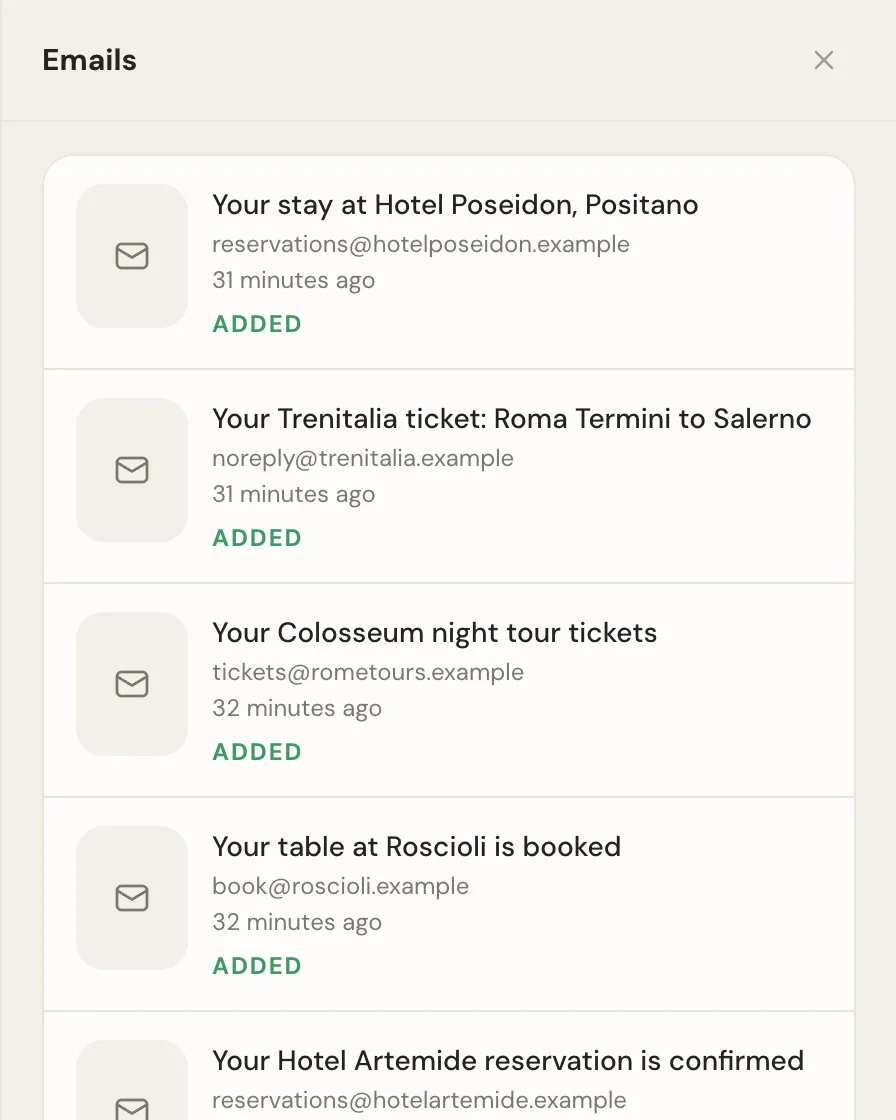
Whimbrel starts from the email, the way TripIt does, and adds the people you travel with. Forward a confirmation to your private address, or connect Gmail, Outlook, Fastmail, or any inbox over IMAP, and an assistant files each booking on the right day of the trip. Share the trip with co-planners who can forward their own bookings, or with read-only watchers. Turn on expenses and everyone logs what they paid, with a receipt photo filling in the amount. Subscribe to the trip from your calendar. Whimbrel is free today. Whimbrel Pro is coming for people with many trips a year or many people per trip, and everything you build now comes with you.
Whimbrel does not track flight status, seats, or fares. It tells you when a forwarded email reschedules or cancels a booking, and it reminds you before a free cancellation deadline passes, but it does not watch the airline's feed. If the Pro alerts are the reason you would pay, Whimbrel is not the answer and TripIt Pro is. The how it works page shows a trip built from the first email, and the features page lists everything Whimbrel does right now.
Which to do first
Start the free TripIt plan, or forward one booking to Whimbrel, and see whether the itinerary alone was what you wanted. Most people find it was. If you then catch yourself checking flight status in three apps on a travel day, start the Pro trial before your next trip with a connection, and let a real delay make the decision for you. If you try Whimbrel, the FAQ covers what it reads from your mail and what it never does with it.
Frequently asked questions
- How much does TripIt Pro cost?
- TripIt Pro costs $49 a year, with a 30-day free trial. TripIt's site shows no monthly plan. Prices checked on October 16, 2026.
- Is TripIt free?
- Yes. The free plan builds an itinerary from confirmation emails you forward to plans@tripit.com or that Inbox Sync reads from a connected Gmail, Google Workspace, Microsoft 365, Outlook.com, or Yahoo address. It also shares plans with other people and syncs to your calendar. Only the flight alerts, seat and fare tracking, and the other airport tools are paid.
- What is the difference between TripIt and TripIt Pro?
- TripIt keeps your bookings in one itinerary. TripIt Pro watches your flights. Pro adds Flight Status, Alternate Flights, Seat Tracker, Fare Tracker, Terminal and Gate Reminder, Check-in Reminder, Point Tracker, and nine more features, and raises the document limit from 3 per trip to 25. The itinerary itself is the same on both.
- Does TripIt Pro have a monthly plan?
- Not on tripit.com. The only price shown is $49 a year. Discount codes appear from time to time, especially around Black Friday, but the plan is still billed yearly.
- Is there a TripIt Pro free trial?
- Yes. TripIt offers a 30-day free trial of Pro. Try it across a real trip with at least one flight so you see the alerts, then decide.
- Is there a free alternative to TripIt Pro?
- Not for the flight alerts. If you want seat, fare, and flight status tracking, pay for Pro. If you wanted the itinerary, the free TripIt plan already does it, and so does Whimbrel, which files forwarded or connected bookings on the right day and lets the people you travel with plan alongside you. Whimbrel is free today. Whimbrel Pro is coming for people with many trips a year or many people per trip, and everything you build now comes with you.