Wanderlog vs TripIt
One plans the days, the other keeps the bookings. Pick by how your trips come together.
Wanderlog and TripIt solve different problems, which is why the question of which one to use keeps coming up. Wanderlog is a planner. You build each day on a map, and the people you are traveling with edit the plan alongside you. TripIt is a keeper. You forward confirmation emails and it files them into an itinerary, with a paid tier that watches your flights.
If your trip starts with "what should we do on Tuesday", pick Wanderlog. If it starts with a stack of booking emails, pick TripIt. If your bookings arrive by email and you also plan with other people, neither fits cleanly, and that gap is where Whimbrel sits.
The short answer
- Pick Wanderlog if you plan your days on a map, you road trip, or you want friends editing the same itinerary live. The free plan covers that. Pro adds Google Maps export and a Gmail link.
- Pick TripIt if you fly a lot and want every confirmation filed without typing anything. The free plan does the filing. Pro, at $49 a year, adds flight status alerts, alternate flights, and seat tracking.
- Look at Whimbrel if your bookings arrive by email and you travel with other people. Forward a confirmation or connect an inbox, and every booking lands on the right day. Co-planners and watchers see the same timeline. It is free today, and Whimbrel Pro is coming.
Wanderlog vs TripIt side by side
Whimbrel is in the third column so you can see where it fits. It is not first, and where it does less, the table says so.
| Wanderlog | TripIt | Whimbrel | |
|---|---|---|---|
| Paid plan | Pro, $39.99 a year or $5.99 a month | Pro, $49 a year, 30-day trial | Free today. Whimbrel Pro is coming. |
| What the free plan does | Map-based day planning, live collaboration, forward confirmation emails, plans stored offline | Itinerary from forwarded emails, inbox sync, sharing, calendar sync | Everything on the site |
| Forward a confirmation email | Yes | Yes, to plans@tripit.com |
Yes, to your private address |
| Connect an inbox | Gmail, on Pro | Gmail, Google Workspace, Microsoft 365, Outlook.com, Yahoo | Gmail, Outlook, Fastmail, or any IMAP inbox |
| Map and route planning | Yes, the core of the app | No | No |
| Planning with other people | Live editing, like a shared document | Share plans with other people | Co-planners and read-only watchers, shared link |
| Real-time flight status alerts | No | Pro | No |
| Told when a booking changes | Not listed | Pro, through Flight Status | Yes, from the email that changed it |
| Offline access | Plans stored in the app; offline maps are Pro | Yes, while the app stays signed in | Read-only view of the itinerary |
| Calendar sync | Not listed | Yes | Yes, a feed for Apple, Google, or Outlook Calendar |
| Shared expenses | Yes, with bill splitting | Not listed | Yes, opt-in per trip, with receipt scanning |
| Works with Claude or ChatGPT | Not listed | Not listed | Yes, over MCP |
| Platforms | iPhone, Android, web | iPhone, Android, web, watch | Web and any phone browser; iPhone and Android apps in beta |
Prices checked on October 16, 2026, on tripit.com and the US App Store listing for Wanderlog. "Not listed" means the company's site and store listing did not mention the feature that day, not that it is missing.
How each app gets your bookings in
This is the part most comparisons skip, and it is the part that decides which app you will still be using in six months.
TripIt is built around forwarding. Send a confirmation to plans@tripit.com from the address on your account and the flight, hotel, or car shows up in the right trip. Inbox Sync goes a step further and reads new confirmations from a connected Gmail, Google Workspace, Microsoft 365, Outlook.com, or Yahoo address without any forwarding. Both are on the free plan.
Wanderlog also accepts forwarded confirmations, and that is free. Linking your Gmail account so Wanderlog reads new bookings on its own is a Pro feature. Either way, the booking lands in a trip you are already planning on the map, which is the point: Wanderlog assumes you are planning first and attaching bookings second.
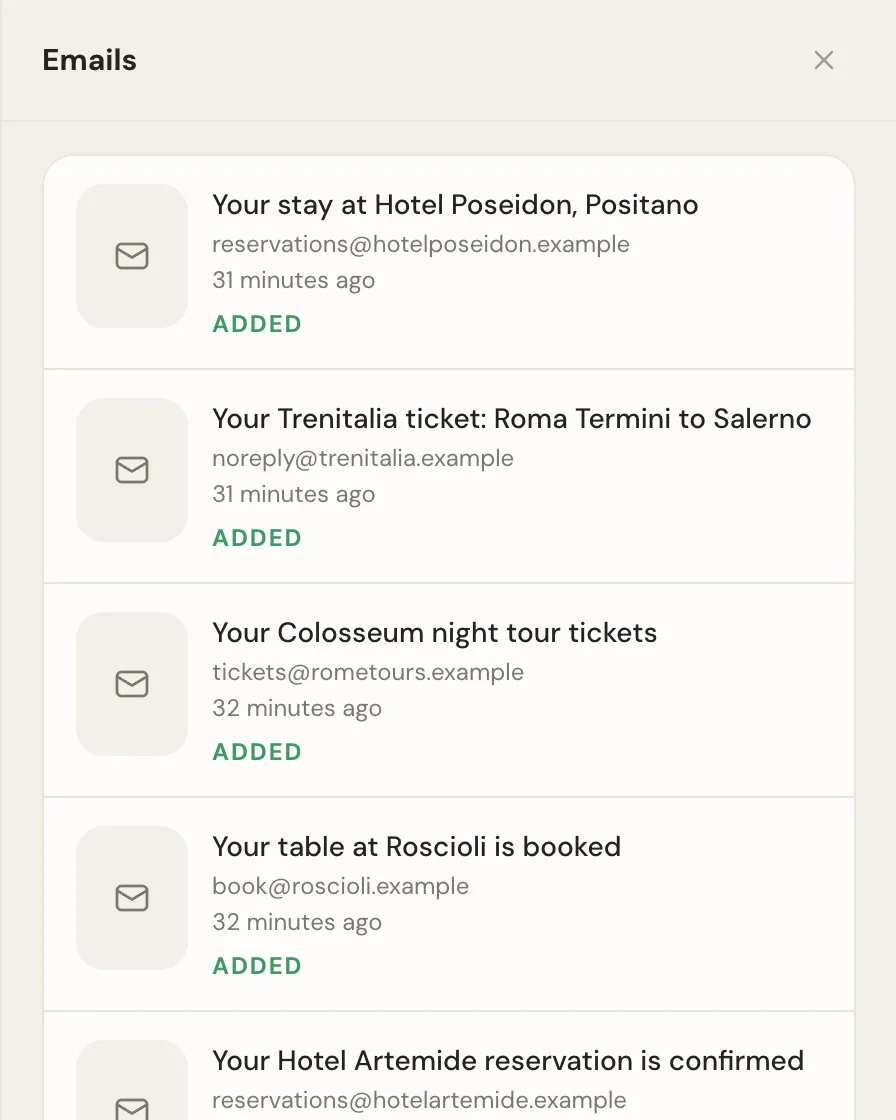
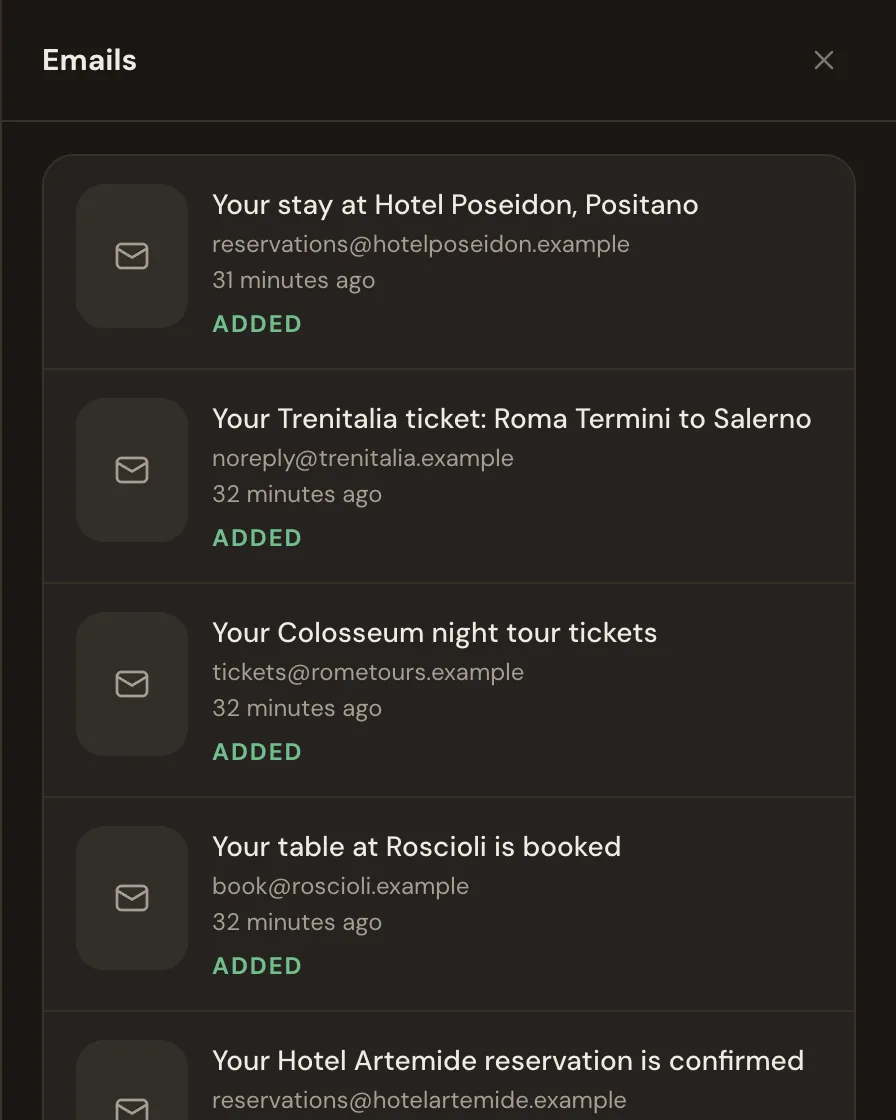
Whimbrel starts from the email. Forward a confirmation to your private Whimbrel address, or connect Gmail, Outlook, Fastmail, or any inbox over IMAP, and an assistant reads the message, pulls out the dates, times, places, and confirmation numbers, and files each one on the right day of the trip. It creates the trip if there is not one yet. You can edit or undo anything it adds, and nothing is ever sent from your account. The how it works page walks through a trip from the first email.
A detail that matters if you are coming from one of the other articles on this question: Wanderlog does import bookings from email. Some comparisons say it needs manual entry. The listing is clear that forwarding is free and the Gmail link is Pro.
What the paid plans actually buy
TripIt Pro is $49 a year after a 30-day trial. The feature list on tripit.com, in its own words: Seat Tracker, Fare Tracker, Check-in Reminder, Point Tracker, Inner Circle, International Travel Tools, Passport Renewal Reminder, Documents, Flight Status, Alternate Flights, Go Now, Risk Alerts, Interactive Maps, Terminal and Gate Reminder, Connecting Flights, and Baggage Claim Info. Four of those carry the subscription for frequent flyers: Flight Status tells you about delays and cancellations before the airline does, Alternate Flights finds you another seat when a flight falls apart, Seat Tracker watches for the seat you wanted, and Terminal and Gate Reminder saves you a check of the departures board. If you fly a handful of times a year, the free plan is the whole product.
Wanderlog Pro is $39.99 a year or $5.99 a month in the US App Store. The listing names two things Pro unlocks: exporting your trip to Google Maps and linking your Gmail account. Reviews of the app also credit Pro with route optimization and offline maps. The parts most people come to Wanderlog for, the map, the day-by-day plan, and live editing with friends, are free.
Whimbrel is free today. Whimbrel Pro is coming for people with many trips a year or many people per trip, and everything you build now comes with you. We say that plainly because a comparison that hides it is not much of a comparison. There is no date and no price to report yet, and this page will say both when there are. The features page lists everything Whimbrel does right now.
Planning a trip with other people
Wanderlog is the strongest of the three here, and it is not close for map planning. Invite people by email or share a link, set whether each person can edit or only view, and everyone works on the same itinerary at the same time, the way a shared document works. For a group that wants to argue over which neighborhood to stay in, that is the right tool.
TripIt shares plans rather than planning them. You can send a trip or a single plan to other people by text, email, or the app, and TripIt makes it easy to let family know where you are. What it does not do is give a second person a place to add the dinner they booked.
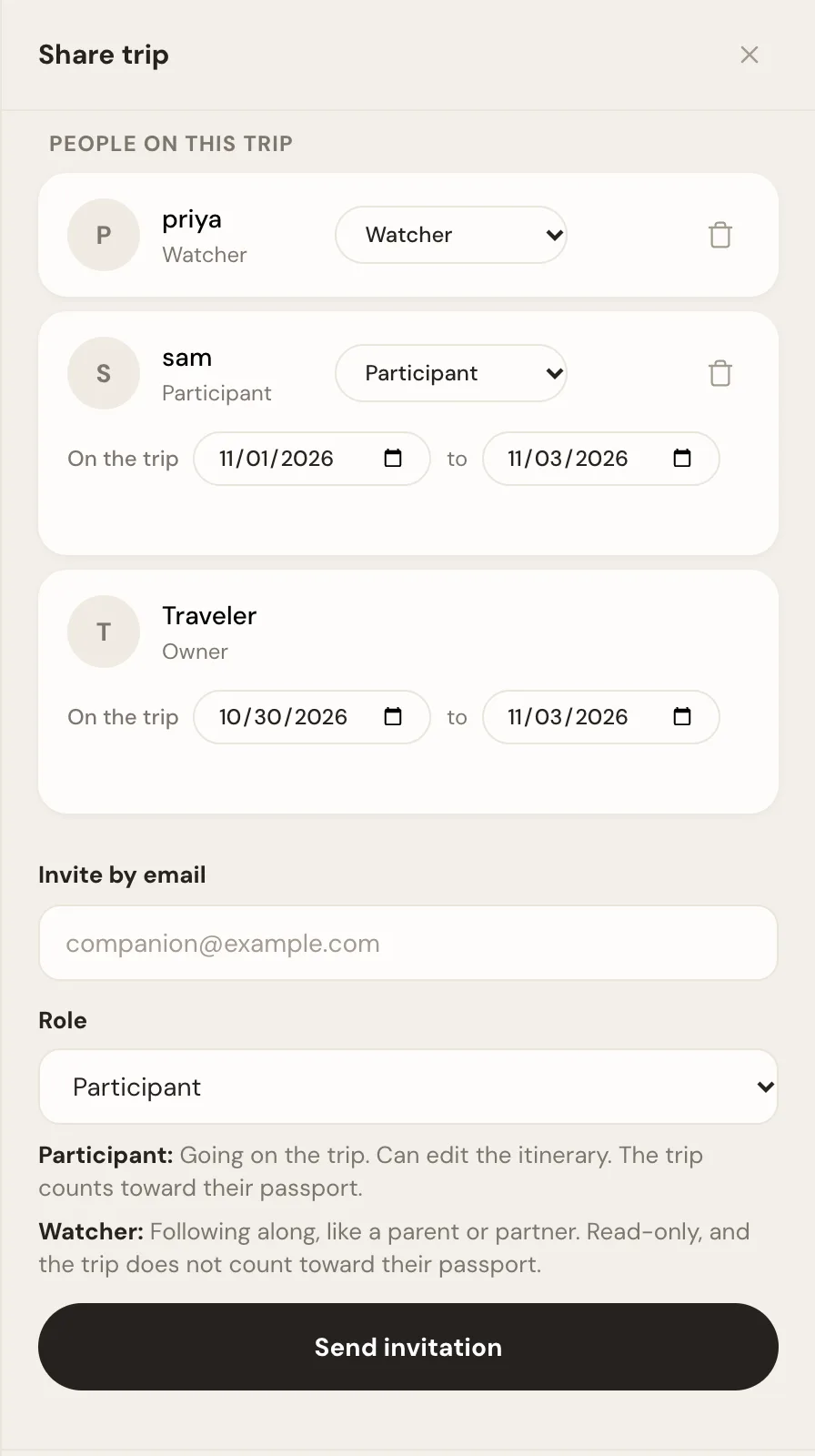
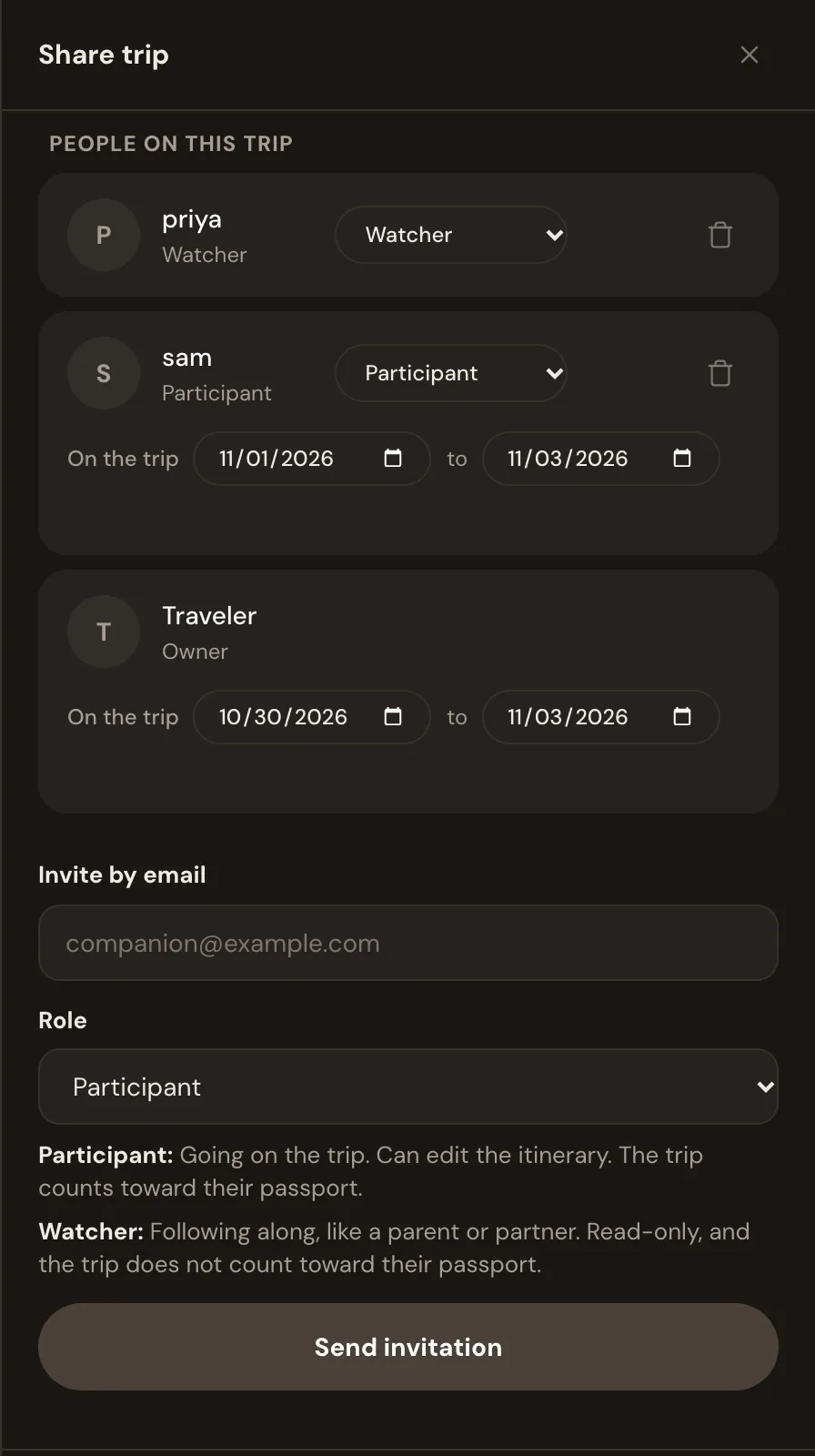
Whimbrel sits between the two. Share a trip with the people you are traveling with as fellow planners, who can forward their own bookings and add to the itinerary, or as read-only watchers. Publish a read-only link when a parent or a colleague just needs the dates. Turn on expenses for the trip and everyone logs what they paid, with a receipt photo filling in the amount and currency. Each traveler can have their own arrival and departure dates on the same trip, so a shared itinerary stays accurate for the person who joins on day three.
Where each one falls short
Wanderlog treats bookings as a side feature. The map is the product, and if you do not plan on a map, you are using a small corner of it. There is no flight monitoring, and the Gmail link that would make it hands-off is behind Pro.
TripIt has no planning layer. It will keep your bookings in perfect order and tell you nothing about what to do between them. The alerts that make it worth paying for are all in Pro, so the free plan is a filing cabinet, a good one. Sharing is one-way.
Whimbrel does not track flight status, seats, or fares in real time. It will tell you when a forwarded email reschedules or cancels a booking, and it reminds you before a free cancellation deadline passes, but it does not watch the airline's feed. There is no map route planner. The iPhone and Android apps are in beta, so most people use it in a browser today. If TripIt Pro's airport tools are the reason you pay, Whimbrel is not a replacement yet, and we would rather say that here than have you find out at the gate.
Which one to try first
Start with whichever matches the first thing you do when you plan a trip. If you open a map, start with Wanderlog. If you open your inbox, start with TripIt, or start a trip on Whimbrel by forwarding one booking and see where it lands. The FAQ covers what Whimbrel reads, what it never does with your mail, and how sharing works.
Frequently asked questions
- Is Wanderlog better than TripIt?
- Neither is better. They do different jobs. Wanderlog is better for building the days of a trip on a map with friends. TripIt is better for turning a pile of confirmation emails into one itinerary. If you want both from the same app, Whimbrel keeps forwarded bookings in order and lets the people you travel with plan alongside you.
- Can Wanderlog import bookings from email?
- Yes. Wanderlog's App Store listing says you can import reservations by forwarding confirmation emails. Linking your Gmail account so bookings arrive on their own is a Wanderlog Pro feature. Forwarding is the free route.
- Is TripIt free?
- Yes. The free TripIt plan builds an itinerary from confirmations you forward to plans@tripit.com, adds plans from a connected inbox, shares plans with other people, and syncs to your calendar. Flight status alerts, seat and fare tracking, and the other airport tools are in TripIt Pro at $49 a year.
- Is TripIt Pro worth it?
- It is worth it if you fly often enough that a gate change, a delay, or an open aisle seat matters to you more than once a year. Flight Status, Alternate Flights, Seat Tracker, and Terminal and Gate Reminder are the features that earn the $49. If you mostly want your bookings in one place, the free plan already does that.
- What replaced Google Trips?
- Google folded Trips into Google Maps and Google Travel in 2019, and neither builds an itinerary from your email the way Trips did. TripIt is the closest replacement for the automatic itinerary. Wanderlog is the closest replacement for the day planning. Whimbrel does the automatic itinerary and adds planning with other people.
- Is there a TripIt alternative without a subscription?
- Whimbrel is free today. Whimbrel Pro is coming for people with many trips a year or many people per trip, and everything you build now comes with you. Forward a booking confirmation or connect Gmail, Outlook, or Fastmail, and every booking is filed on the right day of the trip. It does not track flight status or seats, so if those alerts are why you pay for TripIt Pro, you will still want TripIt.