One itinerary for the whole group
Everyone forwards their own bookings. Everyone sees the same trip.
The hard part of a group trip is not deciding where to go. It is the month after, when six people have booked six flights from three cities and every confirmation lives in a different inbox. Whimbrel is built for that month. Each traveler sends in their own bookings, the itinerary builds itself, and everyone looks at the same plan.
One timeline, built from everyone's confirmations
Every trip has a private email address. Each traveler forwards their flight, hotel, train, or dinner confirmation to it, or connects their Gmail, Outlook, or Fastmail inbox so new bookings arrive without forwarding. An assistant reads each email, pulls out the dates, times, places, and confirmation numbers, and files it on the right day of the trip. The organizer stops collecting screenshots.
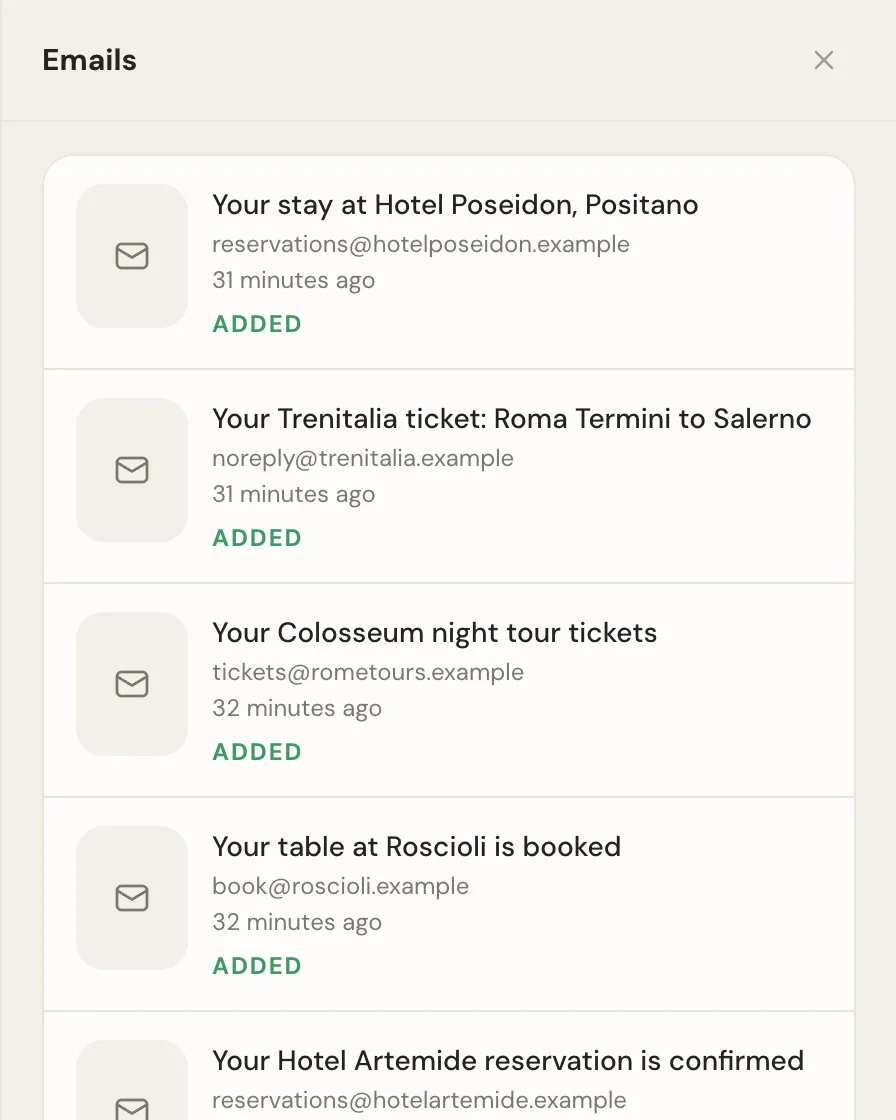
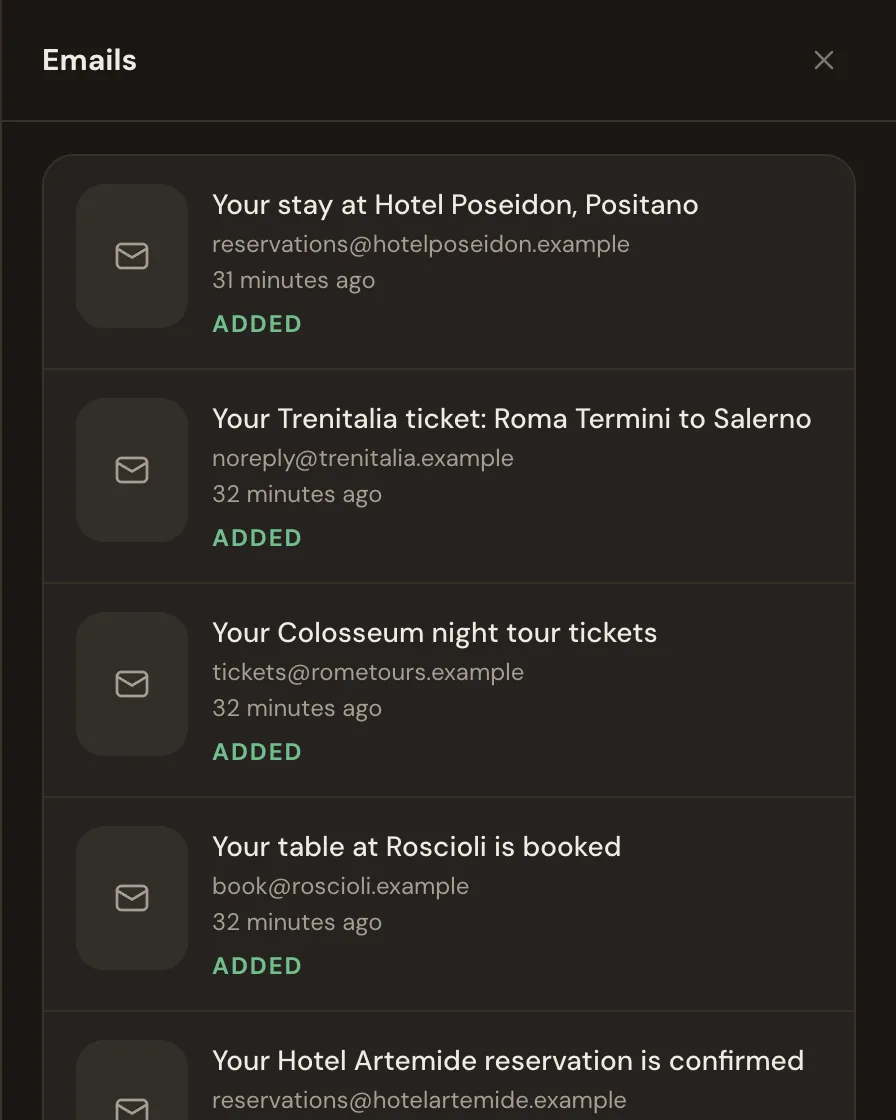
Anything the assistant adds can be edited or undone, and it never sends mail from anyone's account. When an airline email reschedules or cancels a flight, the people on it are told, and when the same booking arrives twice it is filed once. The how it works page follows one trip from the first email.
How a group sets it up
The organizer creates the trip and forwards the first booking, usually the house or the hotel. Then they invite everyone else by email, as participants or watchers. Each participant gets the trip's address and forwards their own flights as they book them, or connects an inbox once and forgets about it. There is nothing to type and nothing to keep in sync: the trip is the sum of everyone's confirmations, filed by day.
Co-planners and watchers
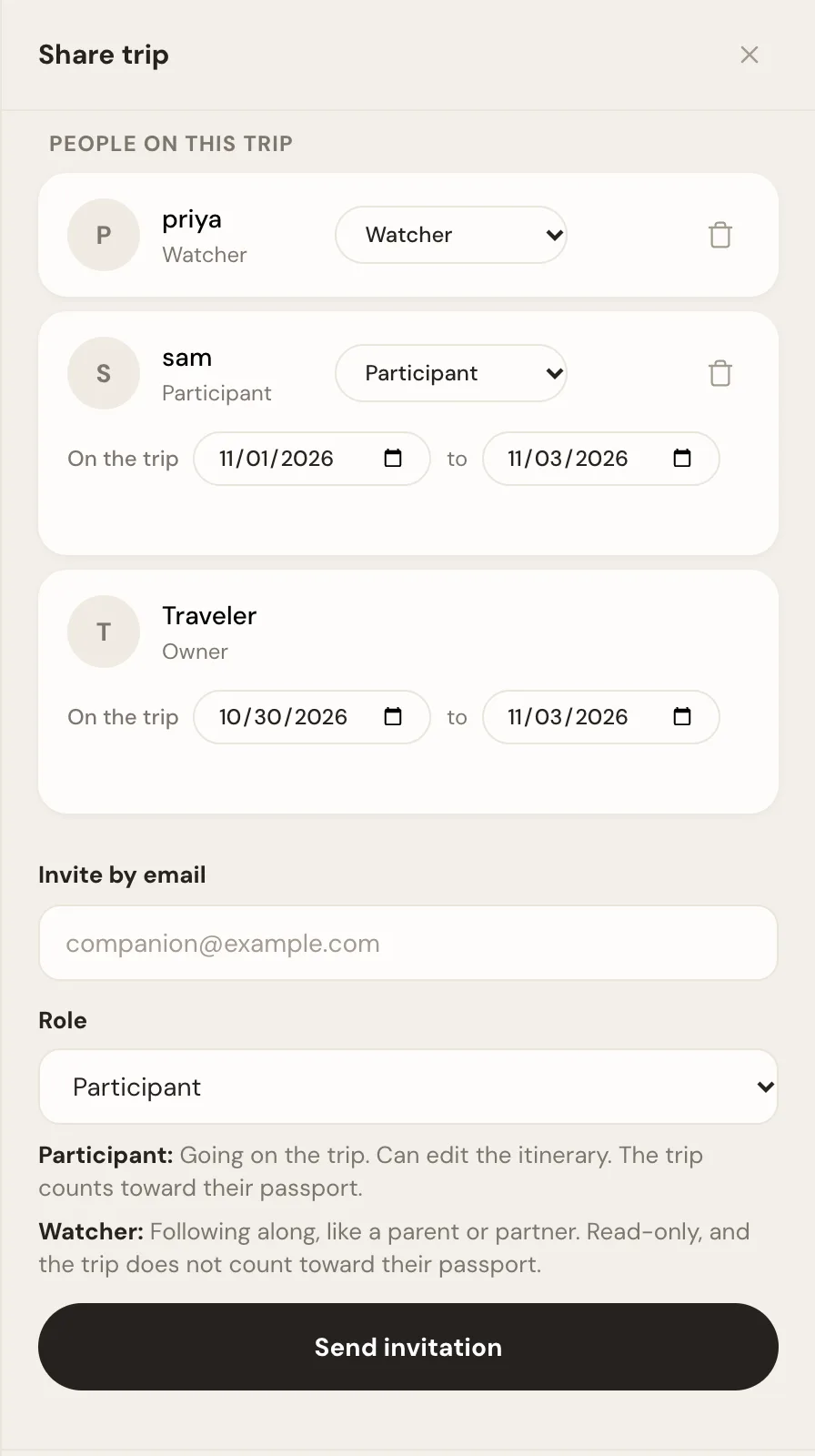
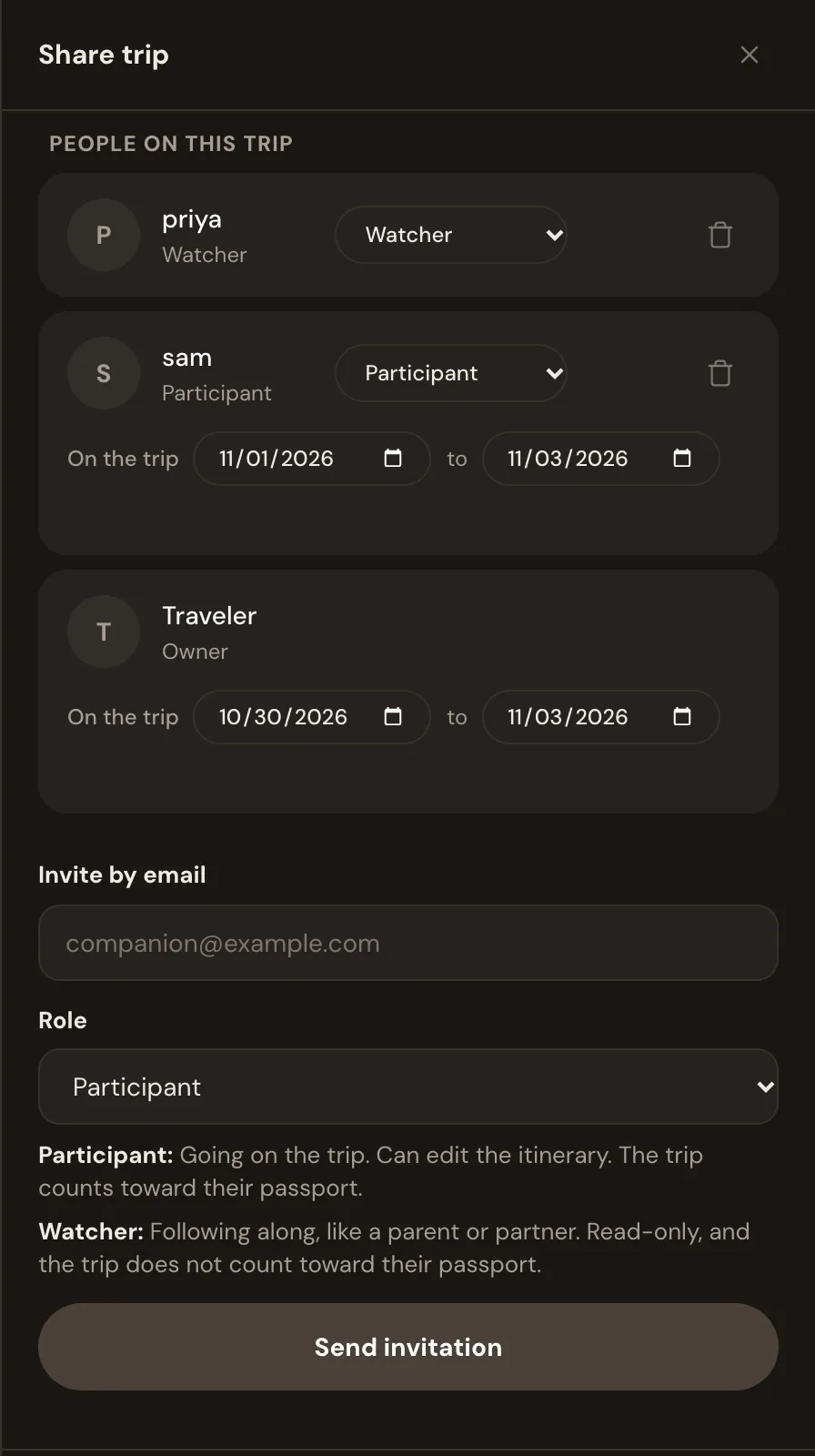
Invite the people coming as participants. They forward their own bookings, add dinners and activities, and edit the plan. Invite the people who need to know but are not coming, a parent, a partner staying home, as watchers. They see everything and change nothing. When someone changes the plan, everyone else on the trip gets a note saying who changed what.
Each traveler's own dates
Group trips rarely have one set of dates. Each person on a Whimbrel trip has their own arrival and departure, so the itinerary knows that Monday's dinner is not for the friend who lands Tuesday. Any item can be for some of the group rather than all of it: the early hike three people signed up for, the restaurant for the two who like fish. View the trip as any one traveler and you see only what is theirs. Coverage warnings work the same way: if one person has no way from the airport to the house on their arrival day, the trip says so for that person, not for everyone.
Money, notes, and the list of things to do
Turn on expenses for the trip and anyone on it can log what they paid, with a photo of the receipt filling in the amount and currency. Everyone sees the running list. Whimbrel does not split the costs or work out who owes whom, so pair it with a splitting app for the settling up.
Trip notes are shared and live, so the packing plan and the "things we still need to decide" list are one document everyone can edit at once, with each person's edits visible as they happen. To-dos and packing lists sit beside the plan, so who is bringing the speaker and who has the booking reference for the house are written down somewhere the whole group can see. Whimbrel adds entry requirements for the countries on the trip on its own, so the one person without the right visa finds out in time.
For the people who only need the dates
Publish a read-only link for the relative who wants to know where you will be. Subscribe to the trip from Apple, Google, or Outlook Calendar and every booking shows up there too, for every member. After the trip, the shared photo gallery collects everyone's photos in one place, with a link anyone can open and a download of the lot.
Who it is for
The friend who always ends up organizing. The parent planning the family trip where the adult children fly in from three cities. The group of six that has done this before and remembers the week of bank statements afterward. If you are the one who said "I'll sort it out", this is the tool for the part after everyone says yes. The how to plan a group trip post covers the part before.
What Whimbrel does not do for a group
There are no polls for picking dates or a destination; the group chat does that, and How to plan a group trip explains how to run it. The expense log does not split costs. There is no map route planner, so if your group plans days on a map, Wanderlog is the better tool for that part. The iPhone and Android apps are in beta, so most people use Whimbrel in a browser today.
Whimbrel is free today, for every member of a trip. Whimbrel Pro is coming for people with many trips a year or many people per trip, and everything you build now comes with you. The features page lists everything it does, and the FAQ covers what it reads from your mail and what it never does with it.
Frequently asked questions
- What is the best app for planning a group trip?
- It depends on which half of the planning you are stuck on. For deciding dates and places together on a map, Wanderlog is strong. For keeping everyone's bookings on one timeline once they are made, Whimbrel builds the itinerary from the confirmation emails each traveler forwards, keeps each person's own dates, and shows the whole group the same plan.
- Can everyone add their own bookings to a shared itinerary?
- Yes. Invite each traveler as a participant and they forward their own confirmations to the trip, or connect their Gmail, Outlook, or Fastmail so new bookings arrive on their own. Each booking is filed on the right day for the whole group to see.
- Can I share a trip with someone who is not coming?
- Yes. Invite them as a watcher and they see the whole itinerary without being able to change it. For someone who only needs the dates, publish a read-only link or a calendar feed instead.
- Does Whimbrel split expenses?
- No. The expense log records what each person paid, with a receipt photo filling in the amount and currency, and everyone on the trip sees the running list. It does not calculate who owes whom. Use a splitting app alongside it for settling up.
- Is Whimbrel free for groups?
- Whimbrel is free today, for every member of a trip. Whimbrel Pro is coming for people with many trips a year or many people per trip, and everything you build now comes with you.